
Download Ecosia Browser – Free, Secure, Eco-Friendly Search Engine
Overview
Ecosia Browser is a free desktop search engine add-on designed for users who want to contribute positively to the environment while browsing the web. Built on the Bing search platform, it delivers standard search functionality with a focus on sustainability and transparency. The software enables users to perform searches that directly support reforestation efforts, with one tree planted for approximately every 45 searches.
This initiative aligns with Ecosia’s mission to combat climate change and promote ecological balance. The tool is intended for environmentally conscious individuals, digital citizens, and organizations aiming to reduce their carbon footprint through everyday online habits. It integrates seamlessly with popular browsers such as Chrome, Firefox, and Safari, making it accessible without requiring a complete browser replacement.
The developer did not provide additional details about the company structure beyond its steward-owned model, which ensures that profits are reinvested into environmental projects rather than distributed to shareholders. Real-world usage includes personal browsing, research, and daily online tasks where users want to ensure their digital activity supports planetary health. Ecosia’s commitment to privacy and ethical operations further enhances its appeal as a responsible alternative to mainstream search engines.
Key Features & Capabilities
- Tree-Planting Initiative – Every search contributes to planting trees, with one tree planted per 45 searches. This feature transforms routine web activity into a tangible environmental action.
- Privacy-First Search – Ecosia does not store or sell user search history. All searches are secured with end-to-end SSL encryption, ensuring data remains private.
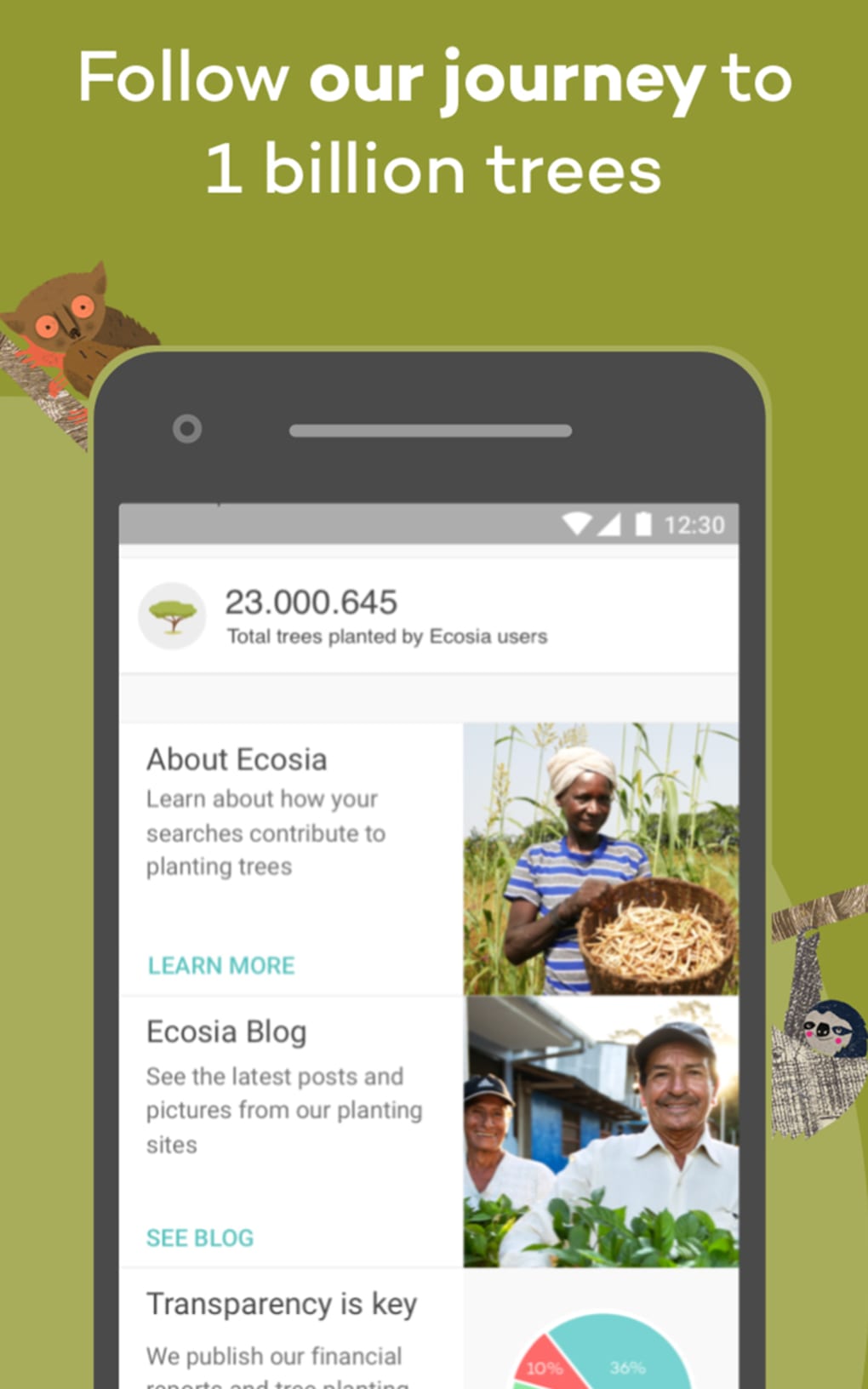
- Transparent Financial Reporting – Monthly financial reports are published, allowing users to track how revenue is used for tree planting, clean water projects, and biodiversity protection.
- Minimal Resource Usage – The browser add-on consumes only 85.42 KB of memory, ensuring it does not slow down other browser functions.
- Multi-Language Support – Available in seven languages, making it accessible to a global user base.
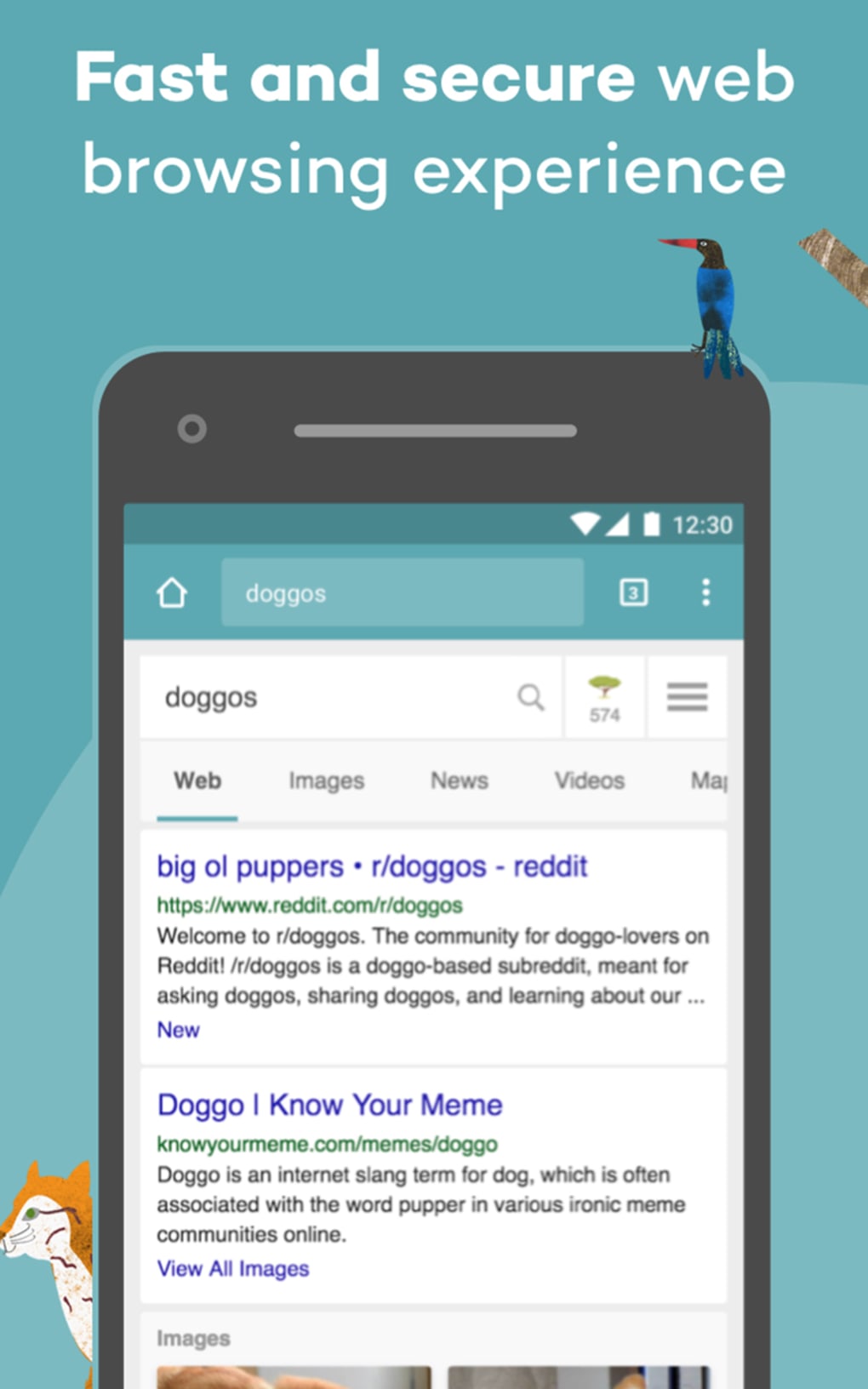
- Standard Search Interface – Features familiar layouts including results in drop-down format, filters by date, and access to images, news, videos, and maps.
- Default Search Engine Option – Users can set Ecosia as their default search engine via the menu icon on the search results page.
These features allow users to maintain a familiar browsing experience while supporting ecological restoration. For example, a student conducting research can use Ecosia to find academic resources without compromising privacy, while simultaneously contributing to reforestation. Similarly, a remote worker using the tool daily can help plant trees with minimal effort. The integration with existing browsers ensures a smooth workflow without requiring technical expertise.
User Interface, Workflow & Performance
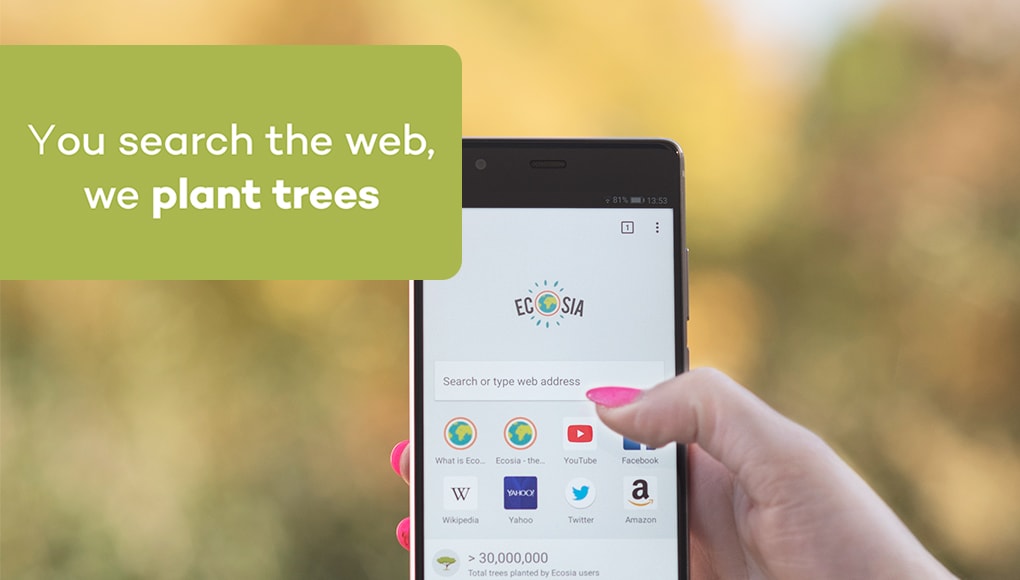
The user interface of Ecosia Browser is designed for simplicity and familiarity. It mirrors the layout of major search engines like Bing and Google, with a clean homepage, a prominent search bar, and categorized results displayed in a drop-down format. The most relevant results appear at the top, improving efficiency for users seeking quick answers. Navigation is intuitive, with options to filter results by date and access specialized sections such as images, news, videos, and maps. The interface supports multiple languages, enhancing accessibility across regions.
Workflow efficiency is maintained through seamless integration with existing browsers. Users do not need to learn new navigation patterns or adjust their habits. The tool operates in the background, allowing uninterrupted browsing.
The developer did not specify resource usage details beyond the 85.42 KB memory footprint, which suggests low CPU and RAM impact. Performance observations are based on general software behavior patterns. Stability appears consistent, given the lightweight nature of the add-on.
No known crashes or slowdowns were reported in available documentation. The absence of persistent search history improves privacy and reduces data accumulation, contributing to a cleaner browsing experience.
Compatibility & System Requirements
Ecosia Browser is compatible with major desktop operating systems, including Windows and macOS. It integrates with popular browsers such as Google Chrome, Mozilla Firefox, and Apple Safari. The installation size is not specified, but the lightweight nature of the tool suggests minimal disk space usage.
The developer did not provide additional system requirements, including CPU, RAM, or graphics specifications. Exact system requirements were not listed. Compatibility information was partially provided.
Users should ensure their browser is up to date to maintain optimal functionality. The software does not require a standalone installation, as it functions as a browser extension.
Pros and Cons
Pros
- Free to download and use
- Contributes to planting trees with every search
- Strong privacy protection with no data selling
- Transparent financial reporting
- Minimal memory usage (85.42 KB)
- Available in seven languages
- Works as a browser add-on without replacement
Cons
- Not available as a standalone browser
- Exact system requirements not specified
- Dependent on browser compatibility
- Search results based on Bing, not a proprietary engine
- Limited customization options compared to full browsers
FAQ Section
Is Ecosia Browser safe to use?
Yes, Ecosia Browser uses end-to-end SSL encryption to secure all searches. It does not store or sell user data to third parties, ensuring a secure browsing experience.
Can I use Ecosia without installing it on my browser?
Ecosia functions as a browser add-on and requires integration with an existing browser like Chrome, Firefox, or Safari. It cannot operate independently as a standalone application.
How does Ecosia plant trees?
Revenue generated from search ads is used to fund reforestation projects worldwide. One tree is planted for approximately every 45 searches conducted through the platform.
Is Ecosia available on mobile devices?
While not a desktop software per se, Ecosia is available as a mobile browser app for iOS and Android, allowing users to extend their environmental impact across devices.
Does Ecosia collect my personal data?
No, Ecosia does not store or sell user search history. Personal data is not shared with advertisers or third parties, maintaining a high standard of privacy.
Final Thoughts + CTA
Ecosia Browser stands out as a unique and responsible digital tool that combines everyday web functionality with meaningful environmental impact. Its lightweight design, strong privacy policies, and transparent operations make it a trustworthy choice for users who value sustainability. While it functions as a browser add-on rather than a full desktop application, its seamless integration and eco-conscious mission offer significant benefits.
The software is ideal for environmentally aware individuals, educators, remote workers, and organizations seeking to align digital habits with ecological values. With no cost to use and a proven track record of planting over 70 million trees, Ecosia proves that small digital actions can lead to large-scale change. Download Ecosia Browser now to make every search count for the planet.






.png)
